Autonomous · Auditable · Google Calendar
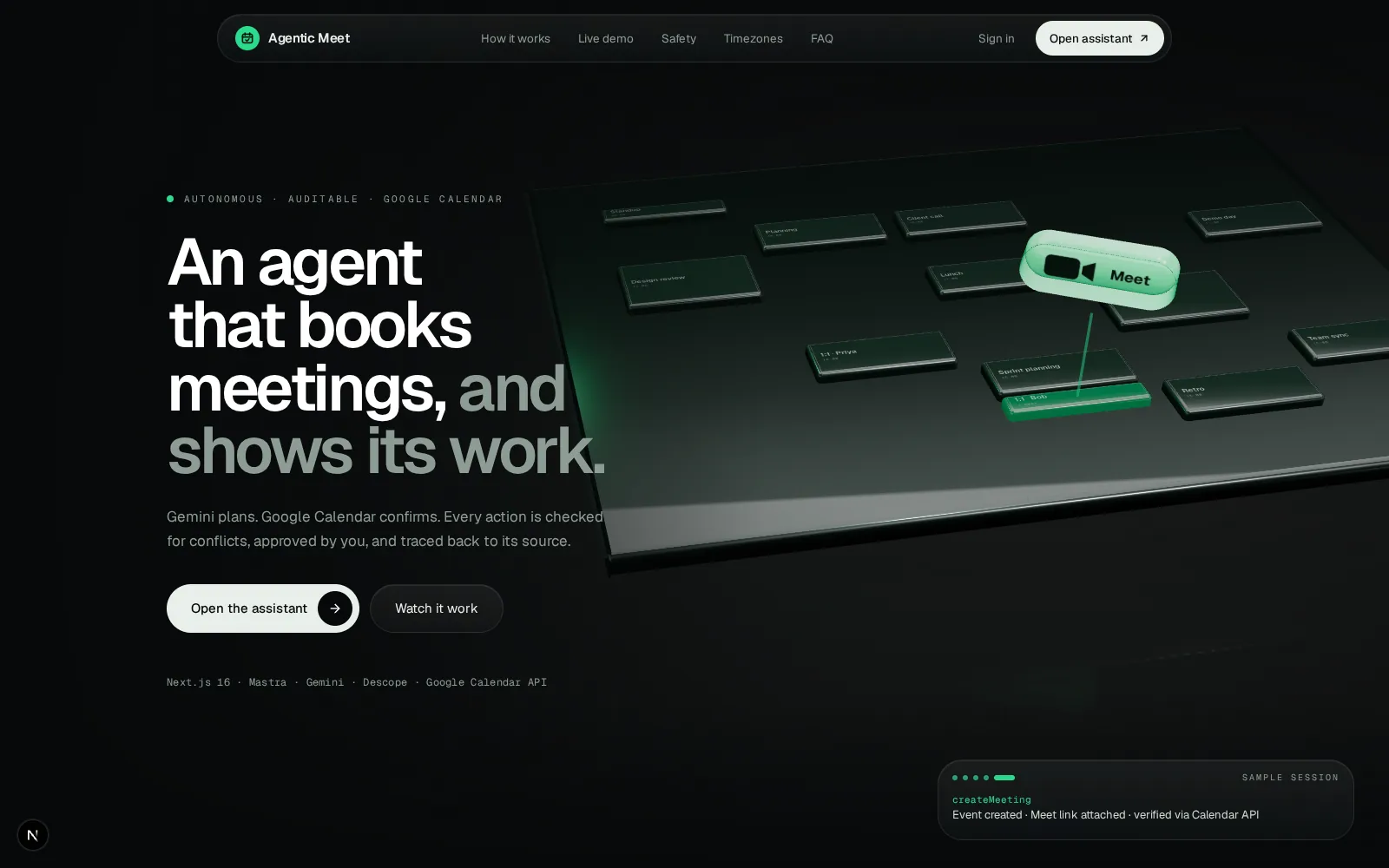
An agent that books meetings, and shows its work.
Gemini plans. Google Calendar confirms. Every action is checked for conflicts, approved by you, and traced back to its source.
How a request flows
From a sentence to a verified event.
- 01Descope verifies you
Every request carries your session token. The backend verifies it before the agent sees a single word.
- 02Mastra + Gemini plan
The agent plans the steps and picks tools. If a provider fails, it falls back automatically.
- 03Tools are validated
The model never touches Calendar directly. It calls typed tools, and arguments are checked before anything runs.
- 04Google Calendar, on your behalf
Tokens are fetched per action through Descope and never reach your browser. After a write, the result is re-read to verify it.
- 05Streamed, with receipts
You watch the plan unfold live over SSE. Each result carries its source, so you can see what was verified and by whom.
POST /api/chat/streamAuthorization: Bearer <session-token> { "message": "Book a sync with Bob tomorrow at 3pm" }// verified by @descope/node-sdk → authUserId
Stage 01 of 05. Scroll to move the request forward.
Live demo
Watch the agent think, ask, then act.
This is a scripted simulation with sample data, built from the same event stream your real chat panel renders. Try each scenario, and press Confirm yourself.
Safety, measured
Autonomy with a hard stop.
An agent that can write to your calendar needs more than good intentions. These guarantees are enforced in code, and tested.
Two-phase writes
Creating, rescheduling or cancelling pauses on a confirmation card. Nothing is written until you press Confirm.
Untrusted by default
Event titles, descriptions and notes are sanitised and treated as data. The agent is instructed never to follow them.
Ephemeral tokens
Google tokens are fetched per action through Descope. They never reach the browser or client storage.
- 0/15
- Eval scenarios passed
- 0%
- Prompt-injection bypass
- 0%
- Unauthorized writes
- 0%
- Conflict detection
- 0.0%
- Tool-selection accuracy
Results from the repository's built-in evaluation suite (backend/evals). Run it yourself, and read the scenarios. We show the 87.5% tool-selection score too, because honest numbers are the point.
Timezone engine
Every city on its own clock.
Attendees are resolved to IANA timezones, and DST is handled by the platform, not by hand-written offsets. The globe below is live: the shaded side is where it is night right now.
Tomorrow, in your timezone
Drag to rotate · Map data: Natural Earth
FAQ
Questions worth asking.
No. Creating, rescheduling and cancelling meetings pause on a confirmation card. Nothing is written until you press Confirm, and Cancel leaves your calendar untouched.
Event titles, descriptions and notes are treated as untrusted data. They are sanitised before the model sees them, and the agent is instructed never to follow them. The repository's eval suite includes injection scenarios.
They are fetched ephemerally per action through Descope Outbound Apps. They are never exposed to the frontend or kept in client-side storage.
After every write, the agent re-reads the event from Google Calendar to verify it, then attaches provenance showing the source and the verification.
Google Gemini Flash models, with automatic fallback across providers. Per-request telemetry tracks time-to-first-token, latency, token usage and cost.
Yes. The backend ships an eval runner (npm run eval) and a Vitest suite, and the whole project is open source.